
Chatbox Configuration
Chatbox is suitable for chatting, translation, writing copy, and simple image understanding. Its configuration interface is relatively intuitive, making it suitable for first-time users learning how to fill in the Key, Base URL, and model name.
Official information Downloads and documentation are subject to the official site.
What scenarios is it suitable for
Text conversationTranslation and rewritingMultiple Model SwitchingBeginners First
What to confirm before configuration
| Materials to prepare | Where to take from | Attention Beginners |
|---|---|---|
| API Key | provider backend token, Key, or API Key page | Only copy the Key itself, do not copy the alias, creation time, or surrounding spaces |
| Base URL / API Host | The API address, interface address, or endpoint of the provider's backend | Copy the whole paragraph; whether to include /v1 Subject to the backend example |
| Model ID / Model Name | provider Backend Model List | Prioritize obtaining the list of models; if unavailable, manually fill in the original identifiers provided by the backend |
| Balance and Permissions | The balance in the provider's backend, model groups, or available models | When the balance is insufficient or the model is not authorized, the configuration may fail even if it looks correct. |
How should the configuration options be filled in?
| Configuration item | Filling Method |
|---|---|
| Provider | OpenAI API / OpenAI Compatible |
| API Key | Key copied from the provider's backend |
| API Host / Base URL | The full API address provided by the provider's backend may include /v1, or it may not. |
| Model | Model names in the provider model list |
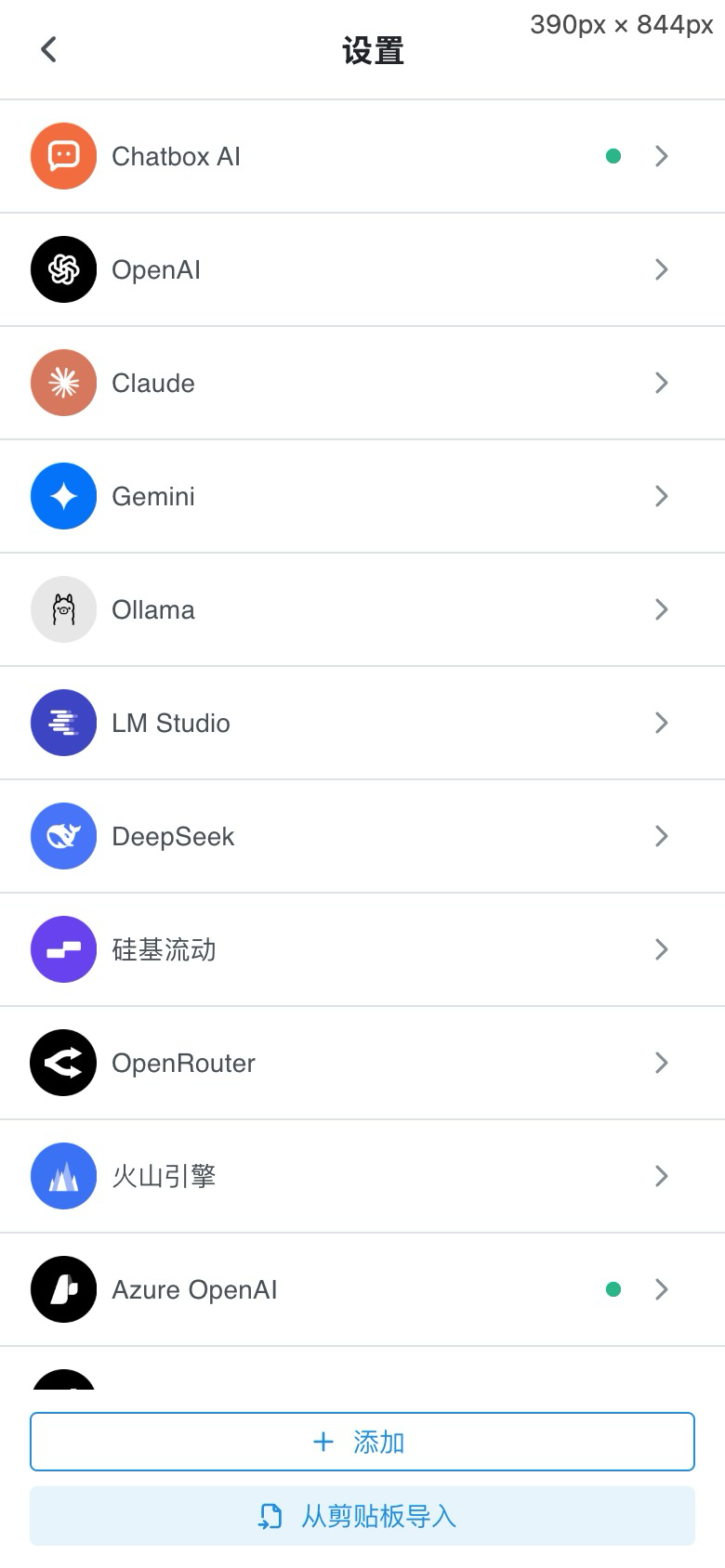
Configuration Steps
- Open the Chatbox and enter Settings or Model provider.
- Service Type Selection OpenAI API, OpenAI Compatible Or a similar name.
- Copied from the provider's backend API Key Paste it in.
- put API Host / Base URL Change it to the API link provided by the provider. Do not add or remove anything randomly yourself.
/v1. - Fill in the model name supported by the provider, for example
gpt-4.1,deepseek-chatOr the original name displayed in the backend. - After saving, start a new conversation and send 'Please reply with one sentence when the configuration is successful. '
| Setting | How to Fill | Common mistakes made by beginners |
|---|---|---|
| API Key | Copy the complete key | There are extra spaces before and after, copied the remark name, the key has been disabled |
| Base URL | Copy the API link provided by the backend | Mix the official website homepage, console address, and API address together |
| Model | Copy the model list | Use the display name as the model name, or changed the case and hyphen |
Test sentence that can be copied into the chat box
Please reply only: Configuration successful| Test Results | Priority check | How to handle |
|---|---|---|
| Prompt Unauthorized / invalid api key | API Key | Re-copy the Key, make sure there are no extra spaces, and the Key is not disabled or expired |
| Prompt model not found | Model ID / Model Name | Copy the original identifier from the model list in the provider backend, do not fill in the Chinese display name |
| Connection timed out or network error | Base URL / API Host | Make sure you fill in the API address, not the official homepage or console address |